
How it works
A simple flow from everyday learning to clear reports.
Hearth helps you record learning as it happens, then turn it into something structured when you need it.
Example child profile
Eli
Example workflow
Four clear steps
- Add a child
- Track learning
- Build reports
- Export and share
Example learning record
Outdoor learning
Bird ID at the feeder
Step 1
Add a child and make space for their learning.
Add each child to your household before recording their learning. Keep their records together while giving each child their own view.
Choose subjects that are useful for your family. You can record a museum visit, a conversation, a book or a new practical skill without turning the day into a timetable.
Start small
You do not need a complete portfolio to begin. A child profile and one meaningful learning entry are a useful first step.
Example child profile
Eli
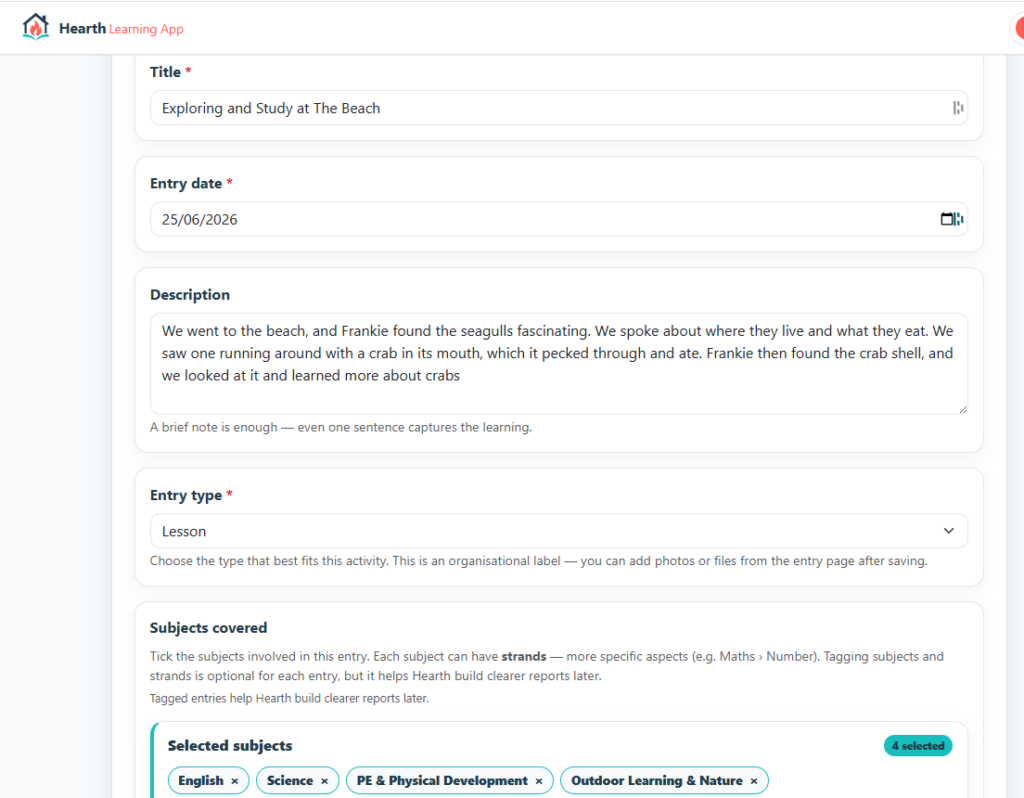
Example learning record
Maths
Pancake fractions
Halved the recipe and measured the ingredients.
Step 2
Record learning while the moment is fresh.
Write a short note, choose the subjects involved, and attach photos or files when they help tell the story. Even a few sentences can capture meaningful progress.
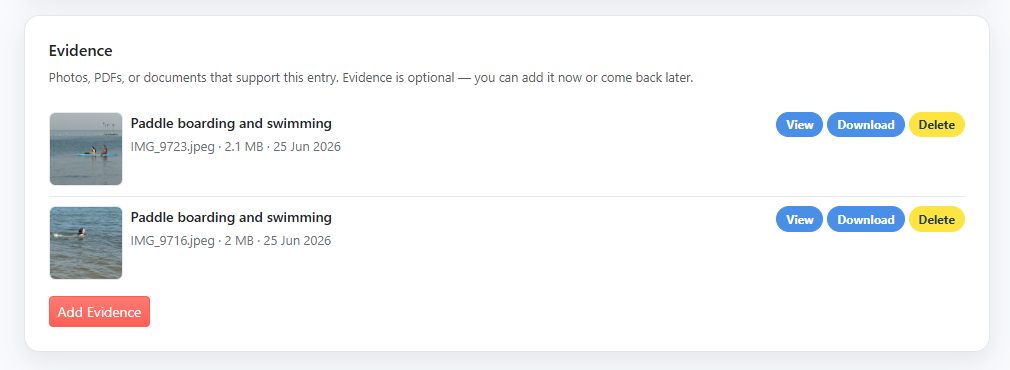
Evidence is optional. Keep a written record when that is all you need, and return to an entry later to add context.
Keep the evidence close
A note and its supporting examples stay together.
Photos, documents and observations can sit alongside the learning entry they support. There is no need to collect evidence for every activity.
Step 3
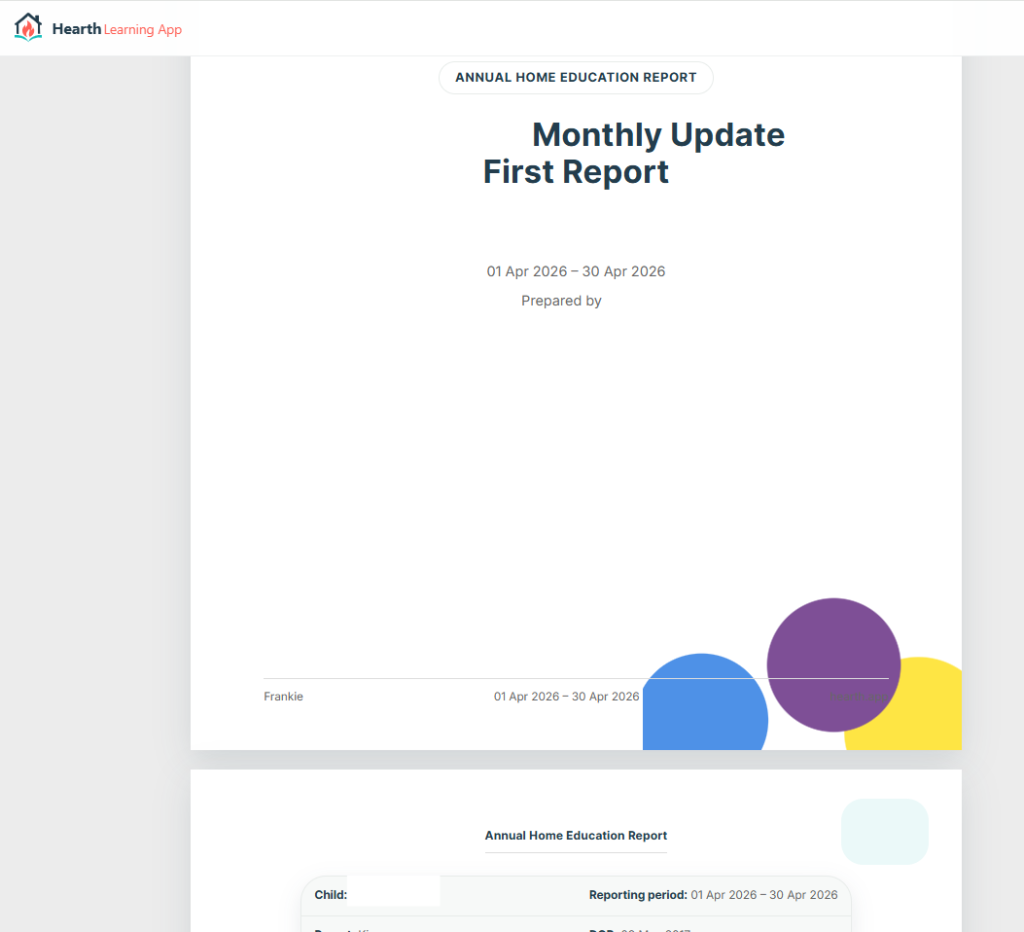
Build a report from the record you already have.
Review learning over the period, then shape it into subject sections and a narrative in your own voice. Your notes and selected evidence give that account useful context.
The record builds over time, so reporting does not depend on remembering months of activity at once.
Step 4
Review, print and share when you are ready.
Check the report preview before sharing. Use the browser’s print option to print it or save it as a PDF, then choose who receives it.
A report supports your explanation of learning. It does not guarantee acceptance by a local authority or replace advice about your circumstances.
See the approach
The sample uses fictional information to show subjects, progress and supporting evidence together.