Capture everyday learning, keep the evidence close, and build a clear picture over time. Hearth brings these records together without asking family life to follow a rigid lesson plan.
Record a science experiment, a museum visit, a book enjoyed or a skill practised. Add a title, date and short description, then link the subjects involved.
Return to saved entries to add notes or supporting files. A quick record can become a fuller account when you have time.
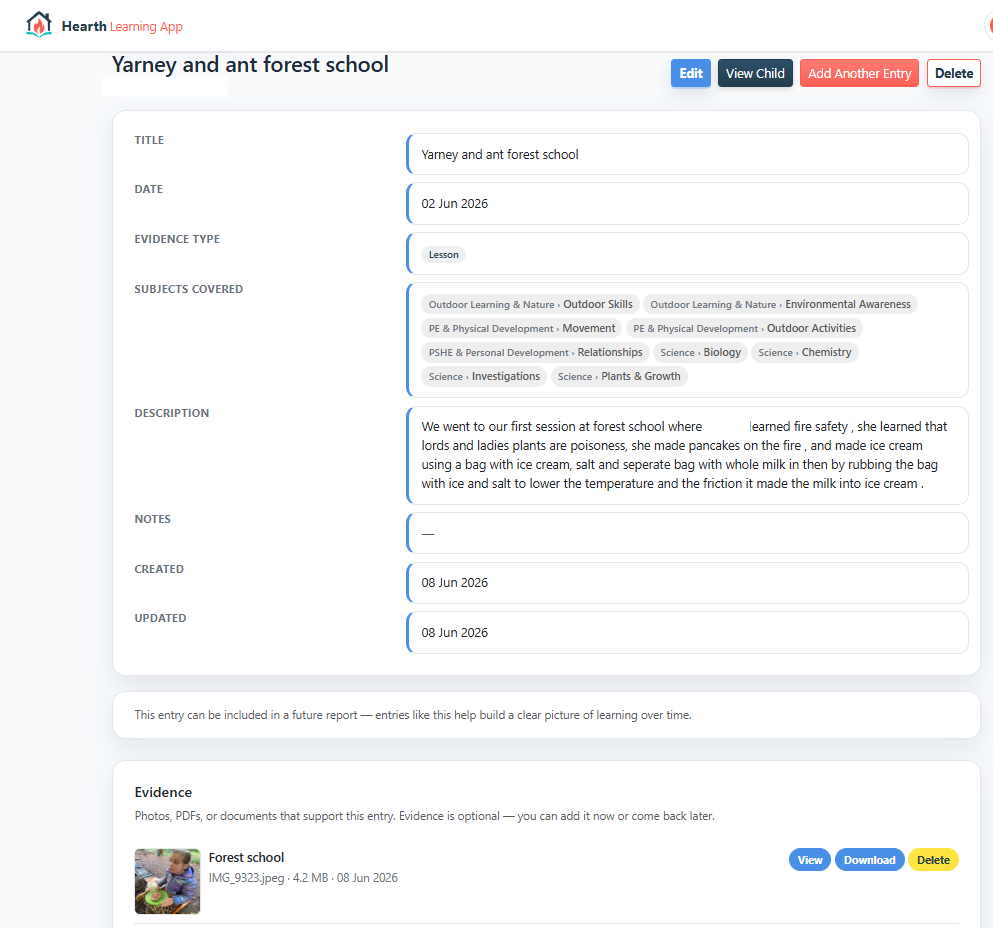
Learning and its evidence together in an existing Hearth entry.
Example learning record
Outdoor learning
Bird ID at the feeder
Maya · Sun · Science
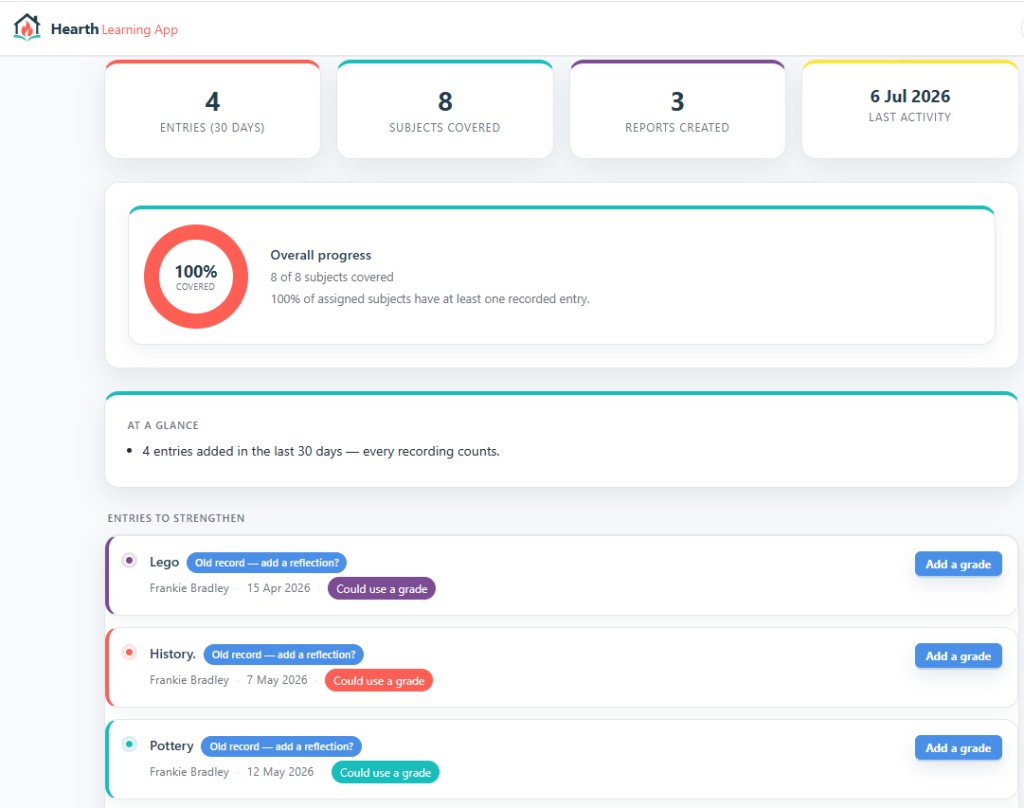
The overview brings recent records and subject coverage together.
Subjects and progress
See the picture build over time.
Keep records organised by child and subject. Review recent entries and subject coverage to help you decide what to record or explore next.
Coverage shows which subjects have recorded entries. It is a prompt for reflection, rather than a measure of attainment or a judgement about your child.
A flexible record
Keep your family’s learning areas in view.
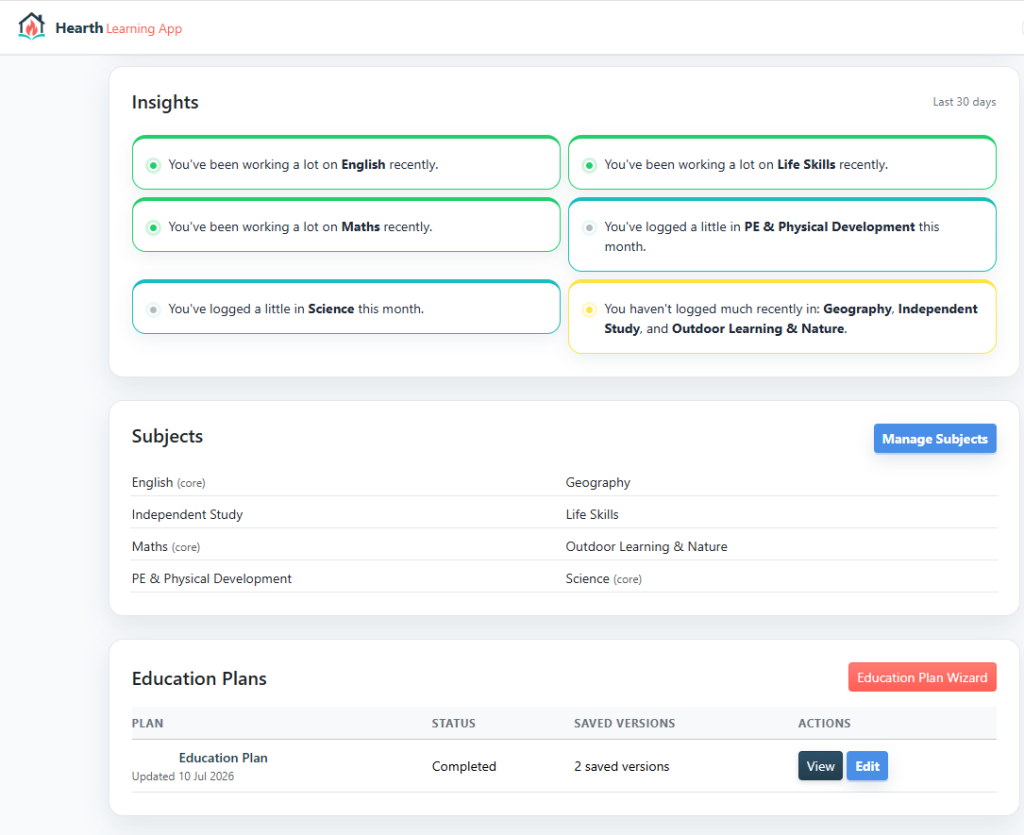
Subject lists and recent activity help you revisit the record. Education plans can sit alongside learning entries, so intentions and what happened have a place together.
An existing child-record screen with subjects and an education plan.
A clear story of learning
See how the three parts work together on the Reports page.
Bring together subject sections, your own narrative and selected evidence. Review what changed, what interested your child and what you plan to return to.
Preview the report and use browser printing or Save as PDF when it is ready to share.
Choose your cookies
Hearth works without optional cookies. If you agree, Google Analytics helps us understand which website pages people use. Google receives technical details about your visit and uses cookies to recognise your browser. Advertising is switched off.
We save your choice in a necessary cookie for 180 days. You can change it at any time using Cookie preferences in the footer. These choices apply to this website, not your application account.